
Achieving consistently strong Google PageSpeed Insights scores is not about installing dozens of WordPress plugins and hoping for the best.
In our experience, real performance gains come from using a small, carefully chosen set of tools, each with a clear purpose and applied thoughtfully.
Updated 14th March 2026
This page outlines the core WordPress plugins and services we rely on to achieve genuine performance improvements, particularly in first-load speed and Core Web Vitals.
These are NOT AFFILIATE recommendations or generic lists. They are tools we actively use as part of our performance stack.
Why Plugin Choice Matters For PageSpeed
WordPress performance problems rarely come from one single issue. More often, they are caused by a combination of unnecessary assets, inefficient script loading, bloated execution paths, and hosting environments that are not tuned for modern performance metrics.
The plugins we use focus on one principle above all else: only load what is needed. This aligns closely with Google’s own guidance around Core Web Vitals and first-load performance.
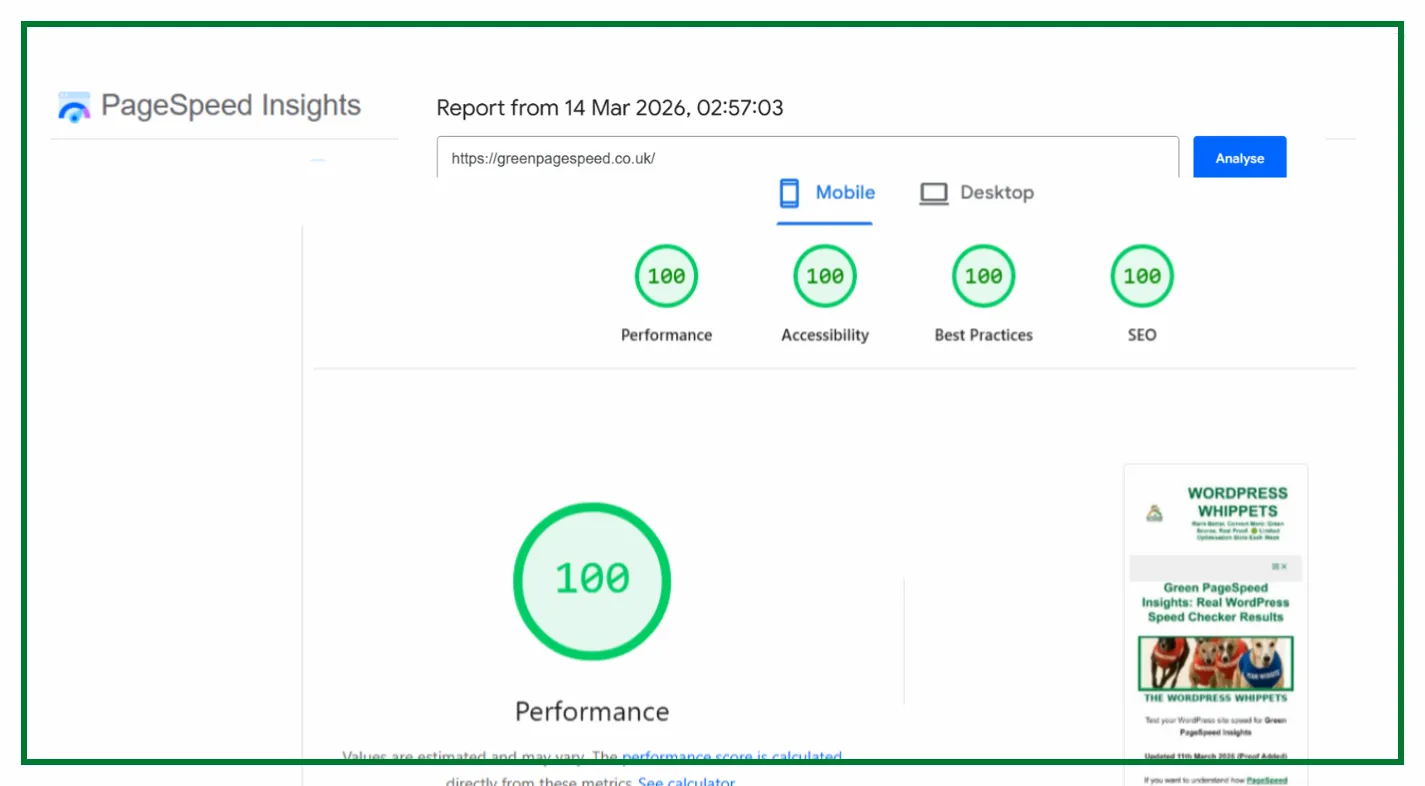
Run a Google PageSpeed Test for Your Website
(Free Tool Below)
⚠️MOST WEBSITES SCORE UNDER 50
HOW ABOUT YOURS?
✅ Independently verified by Google PageSpeed
Try a FREE website speed check below
🔗 TEST YOUR SITE SPEED NOW
**PSI is a testing tool, not an endorsement.**
Click To Jump Straight To More Proof
Asset CleanUp: Page Speed Booster
It plays a central role in how we manage performance on WordPress sites.
By default, WordPress and many plugins load CSS and JavaScript site-wide, even on pages where you do not need those assets. Over time, this leads to unnecessary HTTP requests and heavier pages than you need.
We use the plugin to unload CSS and JavaScript selectively.
You may do this on a per-page basis. This allows us to prevent scripts and styles from loading entirely on pages where their functionality is not used.
The benefit of this approach is direct and measurable.
When an asset is unloaded, it does not generate a network request, does not need to be parsed by the browser, and does not contribute to render blocking.
This helps reduce the total number of requests and improves first-load performance, which is exactly what PageSpeed Insights evaluates.
Asset CleanUp is not a one-click solution. It requires understanding what each asset does and where you should use the plugin.
If correctly implemented, it is one of the most effective tools available for reducing unnecessary bloat on WordPress sites.
Flying Scripts
JavaScript execution is a common cause of poor Total Blocking Time and delayed interactivity.
Flying Scripts addresses this by delaying the execution of non-critical JavaScript until user interaction happens.
We use the plugin to delay scripts that do not require initial page rendering, such as analytics or secondary functionality.
This helps ensure that the browser can prioritise critical rendering tasks during the first load.
Delaying execution does not remove scripts entirely, but it significantly reduces main-thread blocking during the most important phase of page load.
When configured carefully, this can lead to meaningful improvements in PageSpeed metrics without breaking site functionality.
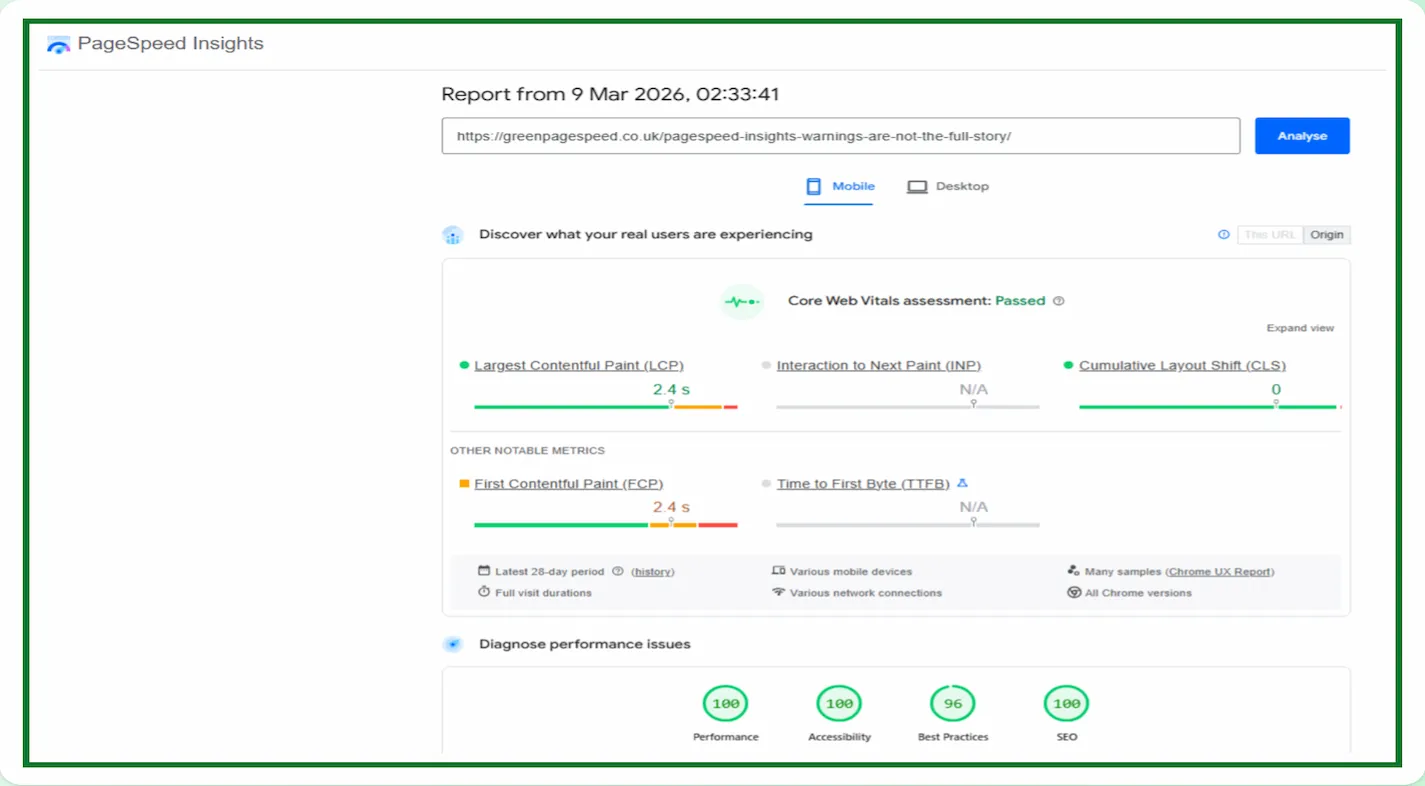
Code Snippets Pro
Performance optimisation often requires small, targeted code changes. Code Snippets Pro allows us to add and manage custom PHP, JavaScript, or CSS snippets without modifying theme files.
This approach keeps performance-related logic clean, modular, and easy to maintain. It also avoids the need for child theme edits or unnecessary plugins that exist solely to add a few lines of code.
Using a structured snippet manager reduces risk and helps keep performance adjustments transparent and reversible, which is especially important when working on live sites.
WPX Hosting
WPX Hosting (Affiliate link)
No amount of front-end optimisation can compensate for poor hosting. WPX Hosting provides a fast, well-optimised environment with strong server response times and an effective CDN.
A solid hosting foundation supports faster Time to First Byte and more consistent performance under load. This is crucial for achieving stable PageSpeed Insights results.
This is especially true on a mobile, because network conditions aren’t as forgiving. They are tighter and stricter.
Performance work is always a combination of front-end optimisation and server-side efficiency. Hosting is part of the performance stack, not an afterthought.
Supporting tools
We also rely on a small number of additional tools to support performance and site stability.
W3 Total Cache is used to manage page caching and browser caching where appropriate.
AND
UpdraftPlus ensures that changes can be rolled back safely if required.
Yoast helps manage on-page SEO and structured metadata without adding unnecessary overhead.
These tools support the wider site ecosystem but are not the primary drivers of performance improvements.
A Measured Approach To Performance
There is no single plugin that guarantees perfect PageSpeed scores. Real results come from understanding how WordPress loads assets, how browsers prioritise work, and how Google measures performance.
The tools listed above form a practical, minimal stack that focuses on reducing unnecessary work rather than masking problems.
Used correctly, it allows consistent improvements without sacrificing stability or maintainability.
Performance is not about shortcuts. It is about discipline, restraint, and using the right tools in the right way.