
What does TTFB mean? Well, it stands for Time To First Byte.
It is one of the main metrics in Core Web Vitals.
Updated 14th March 2026
Go here to see a full breakdown of using the PageSpeed Insights tool.
It measures how long it takes for your server to start to respond when someone visits your website.
In simple terms:
-
A visitor clicks your link
-
Their browser “knocks” on your server
-
It is the time it takes for the server to “open the door” and send the first piece of information.
A fast TTFB makes your whole website feel faster.
FIRSTLY
Run a Google PageSpeed Test for Your Website
(Free Tool Below)
⚠️MOST WEBSITES SCORE UNDER 50
HOW ABOUT YOURS?
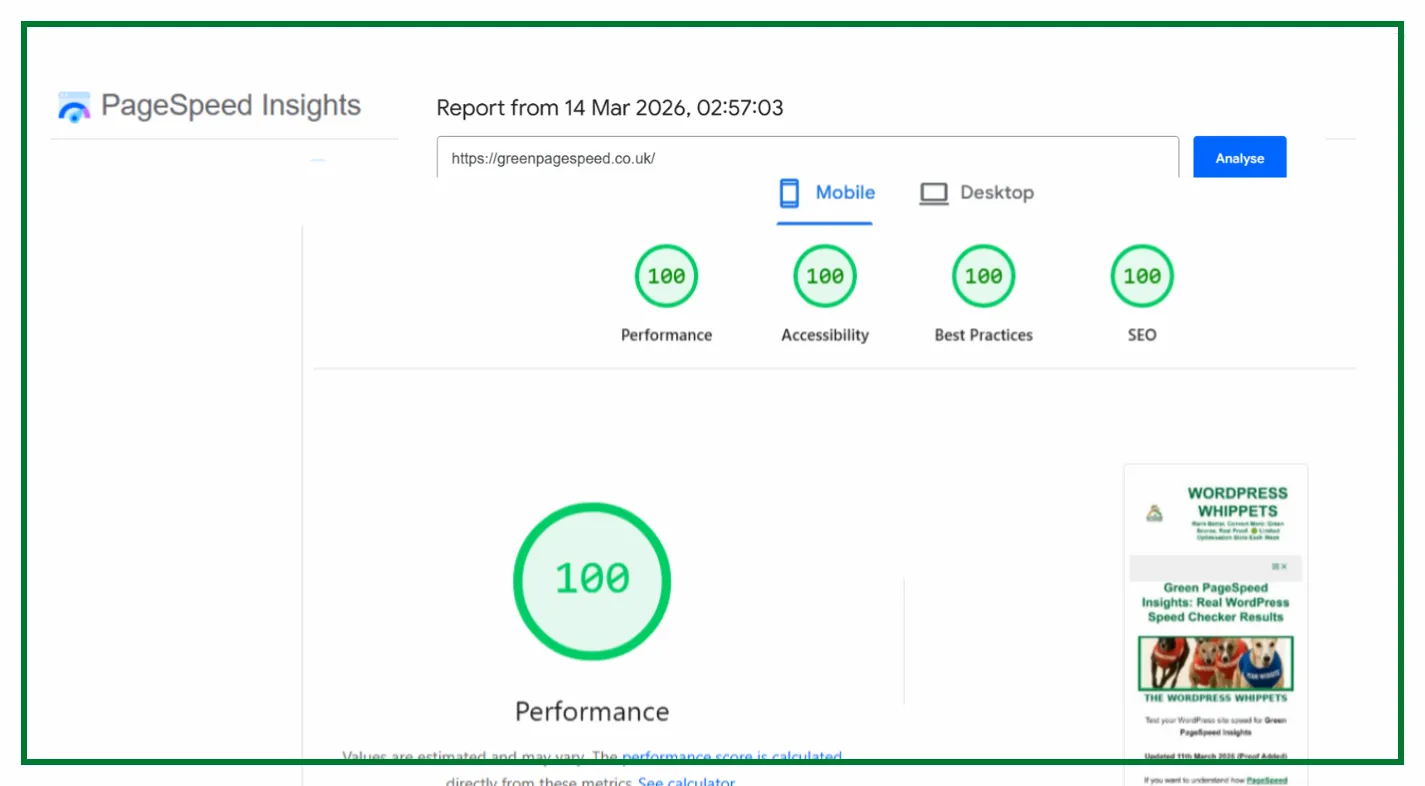
✅ Independently verified by Google PageSpeed
Try a FREE website speed check below
🔗 TEST YOUR SITE SPEED NOW
**PSI is a testing tool, not an endorsement.**
Why It Matters for Speed and SEO
TTFB is the foundation of website speed.
If this first step is slow, the entire page feels slow, no matter how well optimised the rest of the page is.
A good TTFB helps with:
-
Better user experience
-
Stronger PageSpeed Insights scores
-
Faster loading on mobile
-
Better Core Web Vitals performance
-
Higher Google rankings
Google prefers sites that respond quickly, because fast response times are better for visitors.
We Compared PageSpeed Tests, So You Don’t Have To
We’ve also compared PageSpeed Insights with other popular speed tools – check them out below:
Firstly, PageSpeed Insights: Mobile vs Desktop
Then
PageSpeed Insights vs DebugBear
Then
Also
PageSpeed Insights vs WebPageTest
And
PageSpeed Insights vs SpeedVitals
Also
PageSpeed Insights vs Uptrends
As well as
Finally
PageSpeed Insights vs Lighthouse
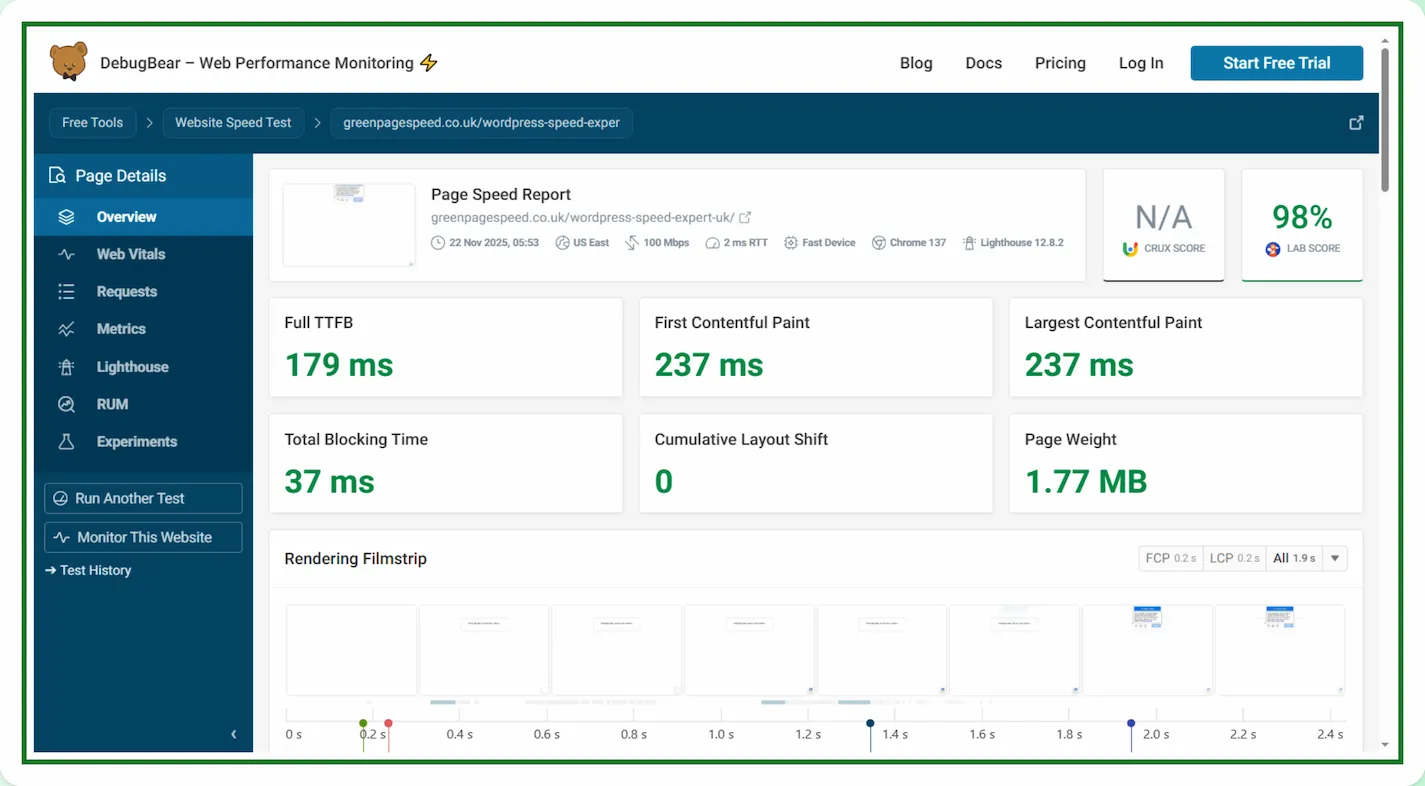
What Is a Good TTFB in 2025?
Here are the easy numbers anyone can understand:
-
Good: under 200 ms
-
OK: 200 to 500 ms
-
Slow: 500 ms to 1 second
-
Very slow: over 1 second
If above 500 ms, you are losing speed before the page even starts to load.
What Causes a Slow TTFB
A slow time usually comes from server problems, not your website itself.
Here are the most common reasons:
1. Slow or overcrowded hosting
Cheap hosting often means your site shares resources with many other customers.
When the server is busy, TTFB increases.
2. Long distance between the user and the server
If your website is hosted in the UK but someone visits from the USA, the request takes longer.
Distance affects TTFB.
3. Heavy or unoptimised plugins
Some WordPress plugins force the server to run complex tasks before sending the first byte.
4. Lack of caching
Without caching, the server must rebuild each page from scratch.
Caching creates an instant copy that loads immediately.
5. No CDN
A CDN makes your site load from a location closer to each visitor.
Without it, TTFB is slower worldwide.
How To Fix TTFB Quickly
Improving it is one of the easiest and fastest wins in speed optimisation.
Here’s what works
• Remove slow plugins
If a plugin delays the server response, replacing it often improves the issue straight away.
• Enable CDN support
A CDN reduces the physical distance between the user and your server, which lowers TTFB globally.
• Optimise your WordPress setup
Lightweight themes and careful plugin selection will keep the server’s workload to a minimum.
TTFB vs Overall Website Speed
It is only the first step in loading a page, yet it affects everything else.
A slow time means:
-
slower LCP
-
slower rendering
-
slower interaction
-
weaker PageSpeed scores
For More Core Web Vitals Metrics, Click Below.
LCP (Largest Contentful Paint)
ALSO
TBT (Total Blocking Time)
AND
CLS (Cumulative Layout Shift)
FINALLY
INP (Interaction to Next Paint)
A fast TTFB gives your page the best possible start.
Simple Summary
TTFB is:
How long your server takes to respond when someone loads your site.
Improving it leads to:
-
faster pages
-
better rankings
-
happier visitors
-
stronger Core Web Vitals
-
improved PageSpeed Insights scores
It is one of the easiest speed metrics to fix and gives instant results when handled properly.
TTFB FAQs (SEO Optimised)
What does TTFB mean in website speed?
TTFB means Time To First Byte. It measures how long the server takes to respond when someone loads your website.
What is a good TTFB?
A good TTFB is under 200 ms. Anything over 500 ms is considered slow.
Does TTFB affect SEO?
Yes. Google prefers fast server response times because fast sites improve user experience.
How do I reduce it on WordPress?
Use fast hosting, enable caching, remove slow plugins, and use a CDN.