
Run a free PageSpeed test; it is simple and takes only a few seconds. Enter your website URL into the test field and click Analyse. Google PageSpeed Insights will scan your page and return performance data based on real-world conditions and lab testing.
You will see separate results for mobile and desktop. Mobile scores are usually lower because they simulate slower devices and network speeds. This gives a more realistic view of how your visitors experience your website.
Updated 4th April 2026
👉 Test your site speed
PageSpeed Insights is a diagnostic tool, not a ranking guarantee.
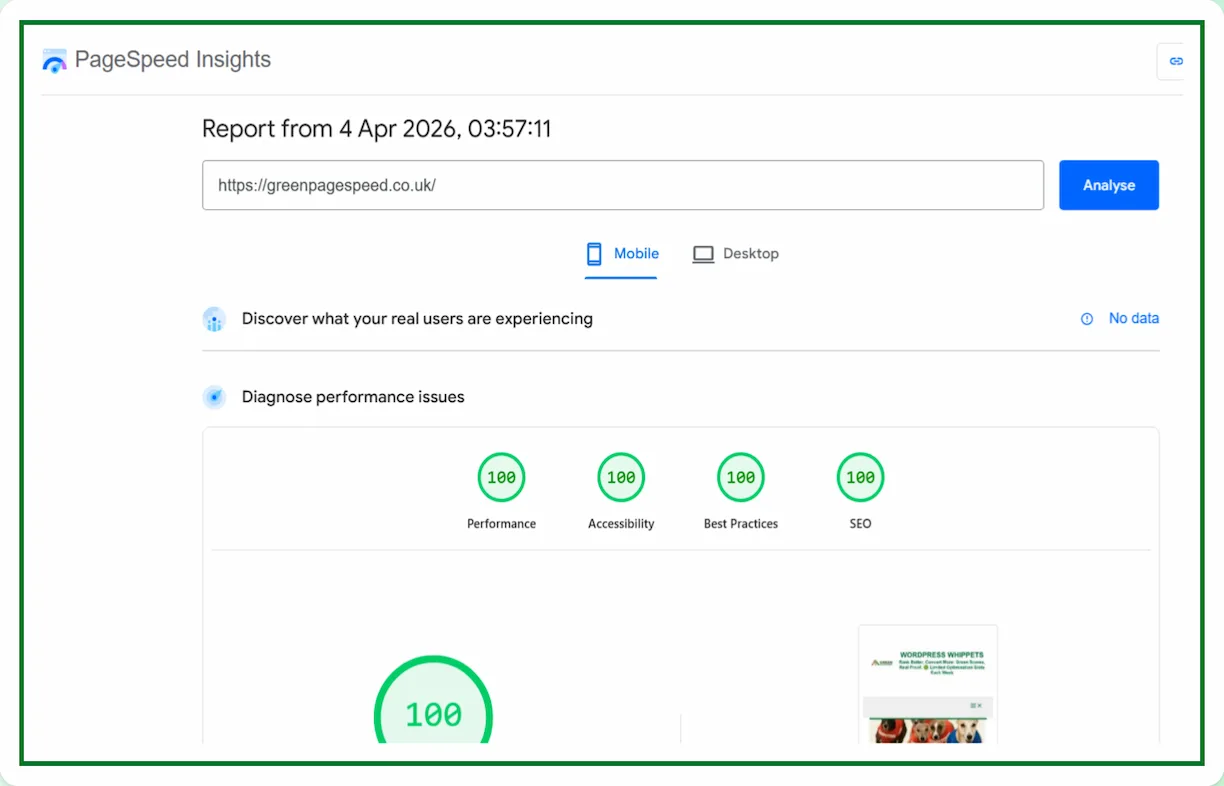
Our Example PageSpeed Insights result
Want to compare other speed testing tools? See our guide to the best PageSpeed tools.
What your PageSpeed Insights scores mean
PageSpeed Insights provides four key scores that help you understand your website performance.
Performance measures how fast your page loads and becomes usable.
Accessibility checks how easy your site is to use for all visitors.
Best Practices highlights technical issues and security improvements.
SEO reviews basic search engine optimisation factors.
A high score means your website is well optimised, but even strong scores can be improved further depending on your setup.
Why PageSpeed Matters For Your Website
Website speed directly impacts user experience, search visibility, and conversions. Faster websites keep visitors engaged and reduce bounce rates. Google also uses performance signals such as Core Web Vitals to evaluate page experience.
If your website feels slow, visitors are more likely to leave before taking action. Improving your speed can lead to better rankings and more enquiries over time.
Learn more about your results
If you want to understand your results in more detail, see our guide to PageSpeed Insights scores. ( Link at the top). This explains why scores change, what warnings matter, and how to improve performance step by step.
If you’d rather not run multiple tests and interpret the results yourself, you can see our WordPress speed expert UK service.