
PageSpeed Insights scores change daily in 2026 for many websites. It happens even when nothing is altered.
Updated 14th March 2026
If your PageSpeed Insights score is not green, it usually means real performance issues are holding your site back in search and user experience, and they can be fixed.
Site owners often look at a strong score one day and a weaker score the next.
This leads to confusion and unnecessary fixes. This behaviour makes PageSpeed Insights feel inconsistent,
But in reality, daily changes usually reveal instability in how a site loads and executes scripts.
Run a Google PageSpeed Test for Your Website (Free Tool Below)
Speed Check Your Website On Google. It’s simple, fast, and FREE
⚠️MOST WEBSITES SCORE UNDER 50
HOW ABOUT YOURS?
✅ Independently verified by Google PageSpeed
Try a FREE website speed check below
🔗 TEST YOUR SITE SPEED NOW
**PSI is a testing tool, not an endorsement.**
Understanding why PageSpeed Insights scores change daily requires understanding.
An understanding of how the test works, what it measures, and which parts of a website are most likely to fluctuate.
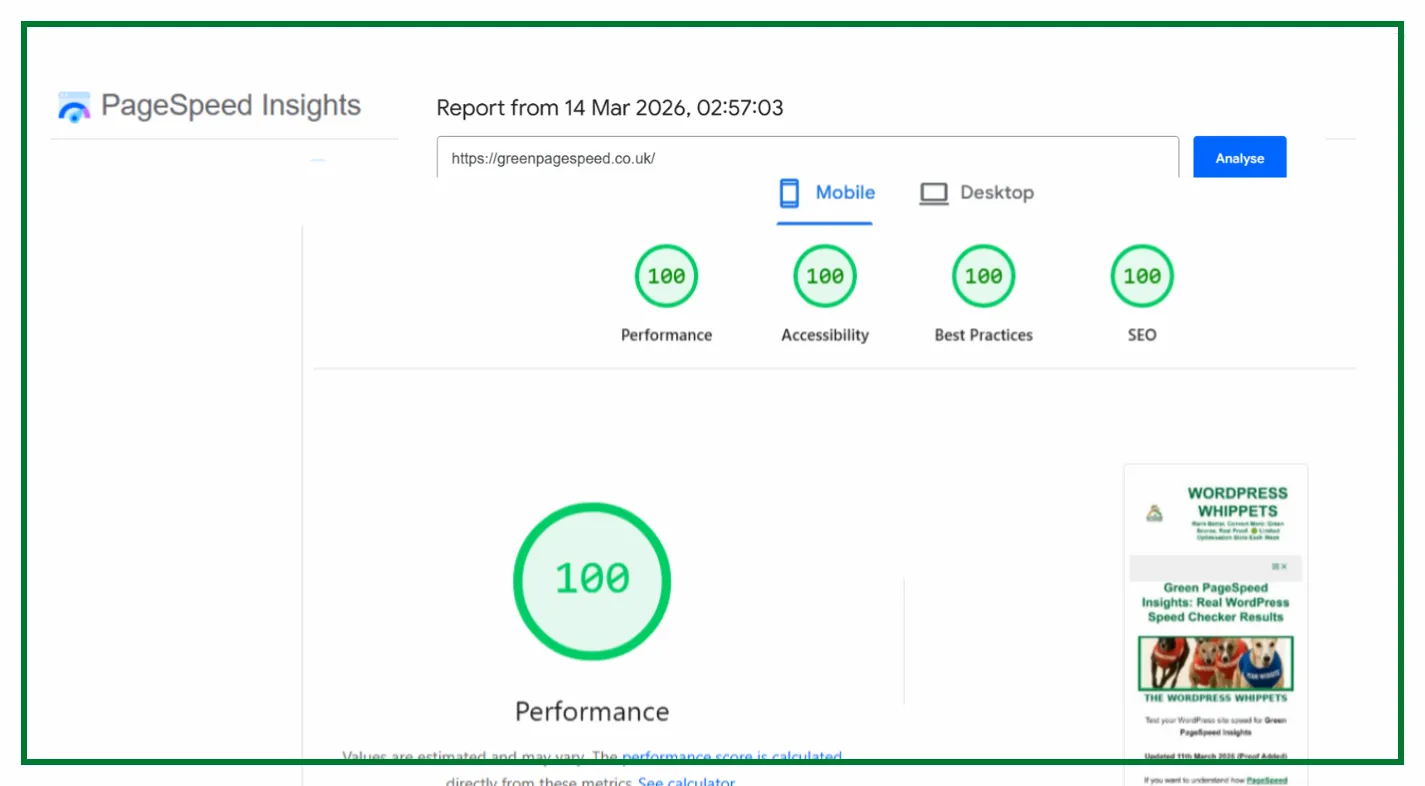
In most cases, changes to PageSpeed Insights scores are not random.
They are signals that something on the site is fragile, inconsistent, or operating too close to performance limits.
This article explains why PageSpeed Insights score changes occur, what causes score variation,
This is why stable scores are achievable when the underlying issues are properly controlled.
PageSpeed Insights score changes explained simply
PageSpeed Insights scores change will happen because the test is designed to expose weaknesses, not to produce identical results every time.
It runs a lab-based test that simulates a mobile device on a throttled network with a clean browser session.
This environment is intentionally strict. Even though the test parameters are consistent, small timing differences can occur between runs.
On a well-optimised site, these differences have little or no impact.
On a site that relies on borderline optimisations, small timing changes can push performance metrics over scoring thresholds.
This is why PageSpeed Insights score changes are more noticeable on sites that are not fully stable.
Why PageSpeed Insights scores change daily for most websites
For most websites, PageSpeed Insights scores change daily.
It is because the site contains elements that behave differently from one test to the next.
These elements include:
-
Third-party scripts
-
Variable server response times
-
Cache-dependent performance
-
JavaScript-heavy rendering
When a site depends on conditions being “just right” to score well, daily testing exposes that dependency. Stable scores require margin, not perfection.
If PageSpeed Insights scores change daily, it usually means the site is operating too close to performance thresholds rather than being truly optimised.
Why Does Your PageSpeed Insights Score Fluctuate Due To Third-Party Scripts
One of the most common reasons why PageSpeed Insights scores fluctuate is the presence of third-party scripts.
Third-party scripts include analytics platforms, tag managers, cookie banners, chat widgets, advertising scripts, and embedded media.
These scripts load from external servers and are not under your direct control.
If a third-party script responds more slowly than usual, it can increase Total Blocking Time or the delay in rendering.
Even small delays can affect Largest Contentful Paint and overall scoring.
Because these scripts change behaviour based on network conditions and server load, they are a major source of score fluctuation.
PageSpeed Insights inconsistent scores and server response time
Another major cause of PageSpeed Insights’ inconsistent scores is variable server response time.
Many websites run on shared or overloaded hosting environments.
Even on high-quality hosting, background processes, traffic spikes, or resource contention can cause Time to First Byte to vary.
When server response time increases, rendering starts later, scripts execute later, and PageSpeed Insights reflects the slowdown immediately.
If server performance is not consistently fast, PageSpeed Insights scores will never be truly stable.
PageSpeed Insights score differs every time due to caching
A common frustration is seeing a PageSpeed Insights score different every time the test is run. In many cases, this behaviour is caused by caching.
Caching can improve performance, but it can also hide underlying problems. If a site only performs well when a cache is perfectly primed, the PageSpeed Insights results will vary depending on cache state.
Cache expiry, cache bypass conditions, or uncached requests can all lead to sudden score drops. True optimisation ensures the site performs well even when caching is imperfect.
PageSpeed Insights score variation and borderline metrics
Another reason that the PageSpeed Insights score varies is operating near scoring thresholds.
Metrics such as Largest Contentful Paint and Total Blocking Time have defined ranges.
If a site consistently sits just inside a passing range, small timing differences can cause it to fail on the next test.
This creates the impression that PageSpeed Insights is unreliable, when the real issue is insufficient performance margin.
Stable sites clear thresholds comfortably rather than scraping past them.
Why PageSpeed Insights scores change even when nothing has changed
Site owners often ask why PageSpeed Insights scores change daily, even when nothing has changed on the site.
In most cases, the cause lies outside the site itself. External scripts, hosting variability, network timing, and server load all influence the test.
PageSpeed Insights is sensitive by design. It exposes inconsistencies that are otherwise easy to miss.
If scores change frequently without site updates, it usually means the site is not resilient enough under controlled conditions.
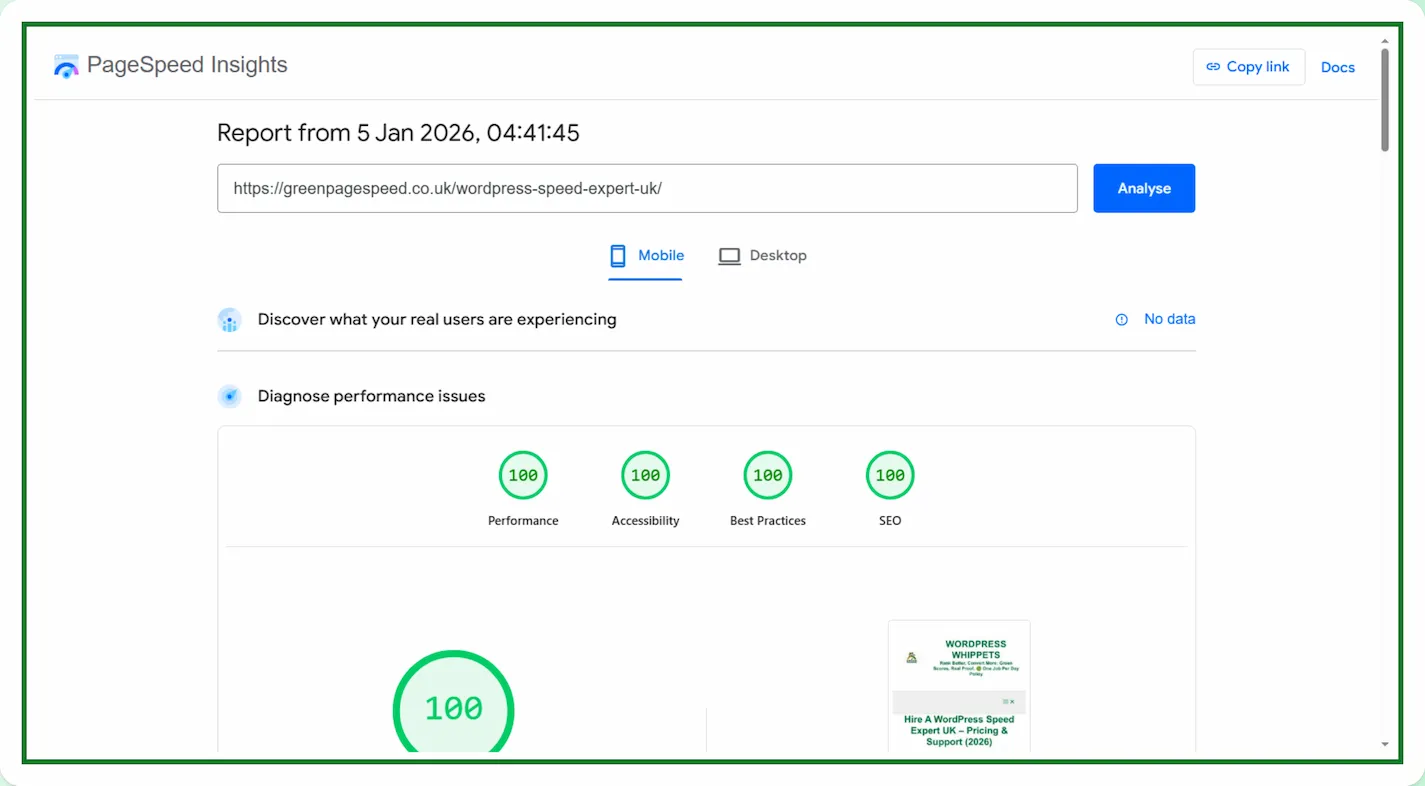
Why are PageSpeed Insights scores stable on some sites
While many sites experience daily score changes, some show stable PageSpeed Insights scores across repeated tests.
This happens when:
-
You tightly control third-party scripts
-
JavaScript execution is predictable
-
Server response time is consistently low
-
The rendering has no blocking by external dependencies
-
Performance margins are well above thresholds
When you meet these conditions, lab variance is negligible, and PageSpeed Insights scores stop moving.
PageSpeed Insights score changes vs real user experience
You must separate PageSpeed Insights score changes from a user’s experience.
The two are NOT THE SAME.
PageSpeed Insights combines lab data with field data when available.
Daily score changes almost always reflect lab data behaviour, not changes in how real users experience the site.
A site can feel fast while showing score variation, or feel slow while it shows a strong lab score.
This is why you should use PageSpeed Insights as a diagnostic tool rather than a daily scoreboard.
Why Chasing Your Daily PageSpeed Insights Score Changes Is A Mistake
Constantly reacting to PageSpeed Insights score changes often leads to unnecessary adjustments.
Chasing daily scores can cause:
-
Over-optimisation
-
Broken functionality
-
Conflicting fixes
-
Increased maintenance risk
The goal of optimisation is predictability, not perfection on a single test run.
Once a site is stable, you should use PageSpeed Insights periodically to confirm consistency, rather than monitoring it excessively.
Final thoughts on PageSpeed Insights score changes
PageSpeed Insights scores change daily for most websites because most websites contain unstable elements.
The elements are exposed under strict testing conditions. They reveal weaknesses that normal browsing hides.
You only achieve stable scores by repeated testing.
You achieve them by removing unpredictability from hosting, scripts, execution, and rendering.
When you control those factors, PageSpeed Insights stops being a source of anxiety and becomes a confirmation tool.
That is the difference between chasing scores and building a consistently fast website.
These are the Core Web Vitals that novices need to understand.
TTFB – Time To First Byte
TTFB measures how long it takes for your browser to receive the first data from a web server.
LCP – Largest Contentful Paint
LCP measures how quickly the main part of a page becomes visible.
CLS – Cumulative Layout Shift
CLS checks if anything on your page moves or shifts while it’s loading.
TBT Total Blocking Time
TBT measures how long your page stays unresponsive while the browser is busy handling heavy scripts.
Explore More PageSpeed Insights Comparisons
If you’re comparing PageSpeed Insights with other popular performance tools, we’ve tested them side by side to help you decide.
Firstly, PageSpeed Insights: Mobile vs Desktop
Then
PageSpeed Insights vs DebugBear
Then
Also
PageSpeed Insights vs WebPageTest
And
PageSpeed Insights vs SpeedVitals
Also
PageSpeed Insights vs Uptrends
As well as
Finally