
What is a good PageSpeed Insights score in 2026?
Well, it is generally considered to be 90 or above, but the number alone does not tell the full story.
Updated 4th April 2026
Many websites chase a perfect score, yet still struggle with real performance issues.
The key is understanding what the score represents and how it relates to actual user experience.
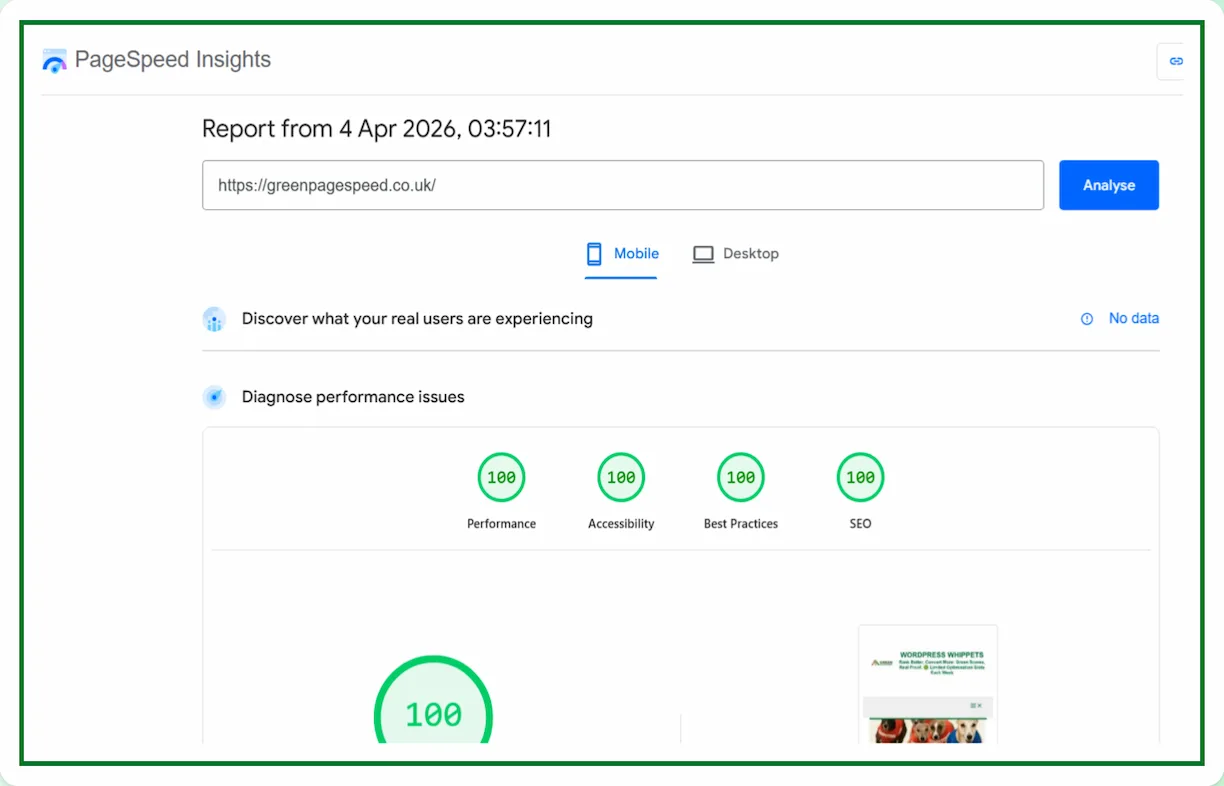
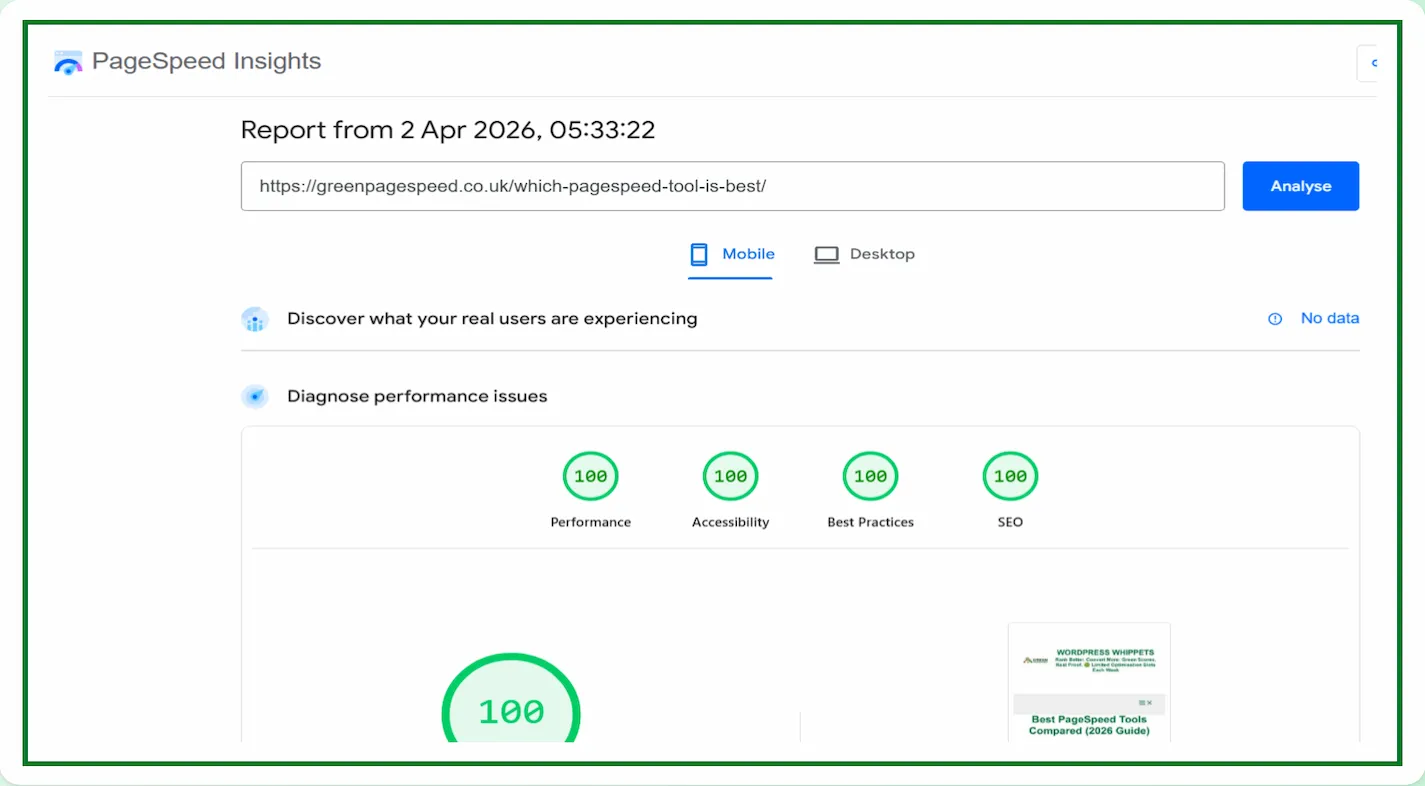
Go here to see some proof of great Insights scores.
If you are aiming for strong performance, you should focus on both the score and the underlying metrics that influence it.
Run a Google PageSpeed Test for Your Website
(Free Tool Below)
⚠️MOST WEBSITES SCORE UNDER 50
HOW ABOUT YOURS?
✅ Independently verified by Google PageSpeed
Try a FREE website speed check below
🔗 TEST YOUR SITE SPEED NOW
**PSI is a testing tool, not an endorsement.**
GreenPageSpeed was recently featured on
Asset CleanUp’s customer testimonials page
We were also featured on WPX’s hosting website.
A true testament to our unparalleled speed optimisation.
You can read what they say:-
WPX APPRAISAL
What Counts As A Good PageSpeed Insights Score?
PageSpeed Insights groups performance into three simple categories:
- 90 to 100
This is considered excellent. Your site is well optimised and likely performing strongly under test conditions. - 50 to 89
This range shows there is room for improvement. Some elements may be slowing the page down. - Below 50
This indicates poor performance. Significant optimisation is needed.
While these ranges are useful, they are only a starting point.
A score of 100 does not automatically mean your site is perfect, and a score of 85 does not mean your site is slow.
We Compared PageSpeed Tests, So You Don’t Have To
We’ve also compared PageSpeed Insights with other popular speed tools – check them out below:
Then, you can conclude which PageSpeed tool is best.
Read our comprehensive list.
Firstly, PageSpeed Insights: Mobile vs Desktop
Then
PageSpeed Insights vs DebugBear
Then
Also
PageSpeed Insights vs WebPageTest
And
PageSpeed Insights vs SpeedVitals
Also
PageSpeed Insights vs Uptrends
As well as
Finally
PageSpeed Insights vs Lighthouse
Why The Score Alone Can Be Misleading
PageSpeed Insights uses lab data to simulate how a page performs under controlled conditions.
This means the score is based on a test environment and not real users.
Because of this:
- A site can score 100 and still feel slow in real life
- A site can score in the 80s and still load quickly for visitors
- External factors like hosting, scripts, and third-party tools can affect results
The score is useful, but it should not be treated as the only measure of performance.
What Actually Matters More Than The Score
Instead of focusing only on the headline number, pay attention to the metrics that drive it.
Core Web Vitals
These are the most important indicators of real performance:
- Largest Contentful Paint (LCP)
Measures how quickly the main content appears - Interaction to Next Paint (INP)
Reflects how responsive your site feels - Cumulative Layout Shift (CLS)
Tracks visual stability during loading
Strong Core Web Vitals often matter more than a perfect score.
Real Loading Speed
Users care about how fast your site feels, not what number it scores.
A fast-loading page with a score of 90 will usually outperform a slow-feeling page with a score of 100.
Mobile Performance
Mobile scores are often lower than desktop scores, but they are far more important.
Most users browse on mobile devices, so improving mobile performance should be a priority.
Is 100 On PageSpeed Insights Necessary?
No. A perfect score is not required to rank well or provide a good user experience.
In many cases:
- Achieving 100 requires removing useful features
- Small gains in score can require great effort
- The difference between 95 and 100 is often negligible in real terms
It is better to aim for a stable score in the 90-plus range with strong Core Web Vitals than to chase perfection.
Common Mistakes People Make
Many site owners fall into the same traps:
- Focusing only on the score instead of the real performance
- Ignoring mobile results
- Over-optimising and breaking functionality
- Constantly changing settings instead of letting improvements settle
A balanced approach leads to better long-term results.
How To Get A Good PageSpeed Insights Score Properly
If your score is below where you want it to be, focus on:
- Optimising images and using modern formats
- Reducing unused CSS and JavaScript
- Improving server response time
- Limiting heavy third-party scripts
- Using reliable hosting
Small, consistent improvements are more effective than drastic changes.
To Sum Things Up
A good PageSpeed Insights score in 2026 is not just about reaching 100. It is about delivering a fast, stable, and responsive experience for real users.
You can see more PageSpeed Insights scores here.
If your site consistently scores above 90 and your Core Web Vitals are strong, you are already in a very good position.
Focus on performance that users can feel, not just numbers on a report.