
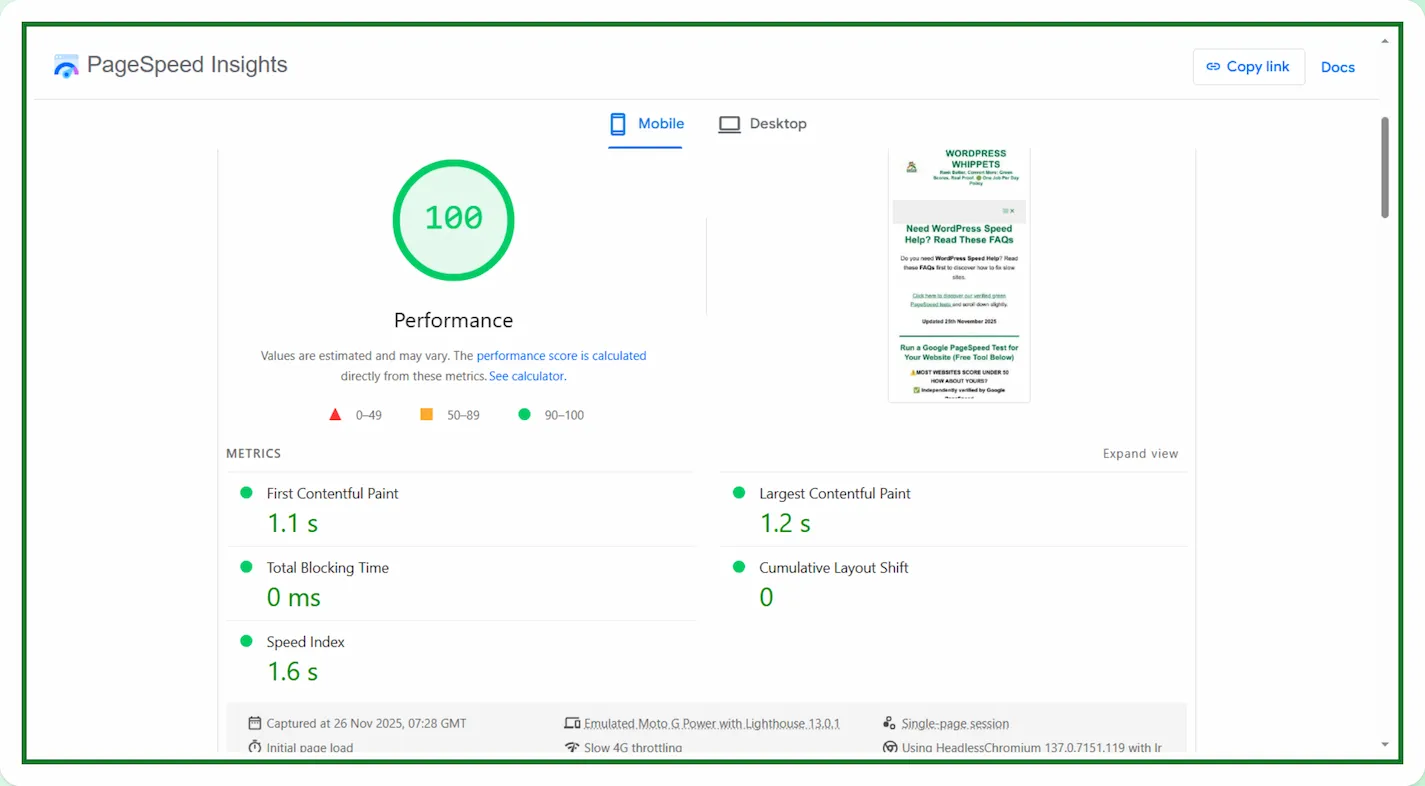
Total Blocking Time is a performance metric in Google PageSpeed Insights.
It shows how long the browser takes to respond to user input during page load.
Updated 1st March 2026
When the main thread is busy, your visitor cannot click buttons, scroll smoothly, or interact with the site.
This blocked state creates a slow experience, even if the page appears visually complete.
Run a Google PageSpeed Test for Your Website
(Free Tool Below)
⚠️MOST WEBSITES SCORE UNDER 50
HOW ABOUT YOURS?
✅ Independently verified by Google PageSpeed
Try a FREE website speed check below
🔗 TEST YOUR SITE SPEED NOW
**PSI is a testing tool, not an endorsement.**
Here, we explain other metrics you should check.
TTFB (Time To First Byte)
AND ALSO
LCP (Largest Contentful Paint)
AND FINALLY
CLS (Cumulative Layout Shift)
TBT measures everything that happens between First Contentful Paint and Time to Interactive.
During this phase, your website is loading scripts, layouts, fonts, and other resources.
If any task runs too long, the browser cannot respond to user actions.
This increases Total Blocking Time and makes your site feel heavy.
A good TBT score is under 200 ms. Anything above this affects PageSpeed scores and user experience.
What Is Interaction to Next Paint?
Interaction to Next Paint (INP) measures the time between a user interaction and the next visual change on the screen.
Unlike older metrics that only measure the first interaction, INP will look at multiple interactions during a visit and report the worst one. That makes it a stricter measure of responsiveness.
A good score is under 200 milliseconds.
Between 200 and 500 milliseconds needs improvement.
Over 500 milliseconds is considered poor.
The longer the browser spends processing scripts before updating the screen, the worse the score.
Why Total Blocking Time Can Slow a Website
The biggest cause of high TBT is JavaScript. JavaScript must be executed before the page becomes interactive.
When a script is large or poorly optimised, it blocks the main thread.
Themes and plugins often load far more code than needed, especially on WordPress sites.
Even a simple website can score badly if the JavaScript is bloated.
CSS can also increase Total Blocking Time. CSS files are render-blocking.
The browser needs to download and process them before showing content.
If your CSS is large, unminified, or split into many files, it slows the entire rendering process.
This keeps the thread busy and increases blocking time.
How JavaScript Affects TBT
JavaScript tasks longer than 50 ms will be considered a blocking task.
These long tasks delay the moment the site feels usable.
Examples include animation libraries, sliders, analytics scripts, and page builders.
When these scripts run early, the visitor cannot interact with the content.
To reduce Total Blocking Time, you can defer non-essential scripts.
You can also delay them until after the first interaction. Conditional loading also helps.
This means a script only loads on pages where it is needed.
Reducing JavaScript execution time is often the biggest win for lowering TBT.
How CSS Influences Total Blocking Time
CSS delays the start of rendering. Large style sheets
Also, unused CSS forces the browser to process more data than needed.
This increases the amount of work the main thread must complete before the page becomes interactive.
Removing unused CSS, combining files, and minifying styles are effective ways to reduce blocking.
Critical CSS can also help. This loads the essential CSS first and delays the rest until after the first render.
The Role of Third-Party Scripts in TBT
Third-party code is one of the most common reasons for poor Total Blocking Time scores.
External scripts such as chat widgets, analytics tools, cookie banners, and booking tools.
Also tracking pixels, which often run heavy JavaScript. If they load early, they block user interaction.
Deferring third-party scripts or delaying them until after user interaction can significantly reduce TBT.
If a script does not affect the initial view of the website, it should never load during the first render.
Hosting and Total Blocking Time
Total Blocking Time is mainly a browser-level metric rather than a server-side metric.
However, hosting still plays an indirect role. Slow servers take longer to deliver JavaScript, CSS, and images.
When resources arrive slowly, the browser stays busy for longer periods.
Fast hosting with good caching and a CDN helps speed up delivery and reduces all the work the browser must do.
While TTFB measures server performance, efficient hosting still contributes to a healthier TBT score.
Practical Ways to Improve Total Blocking Time
Start by auditing your plugins. Removing unnecessary plugins often reduces blocking tasks,
This is because most websites load scripts for features that are barely used.
A lighter plugin footprint directly improves TBT.
Next, optimise JavaScript. Defer scripts that are not required for the first view.
Delay non-essential scripts using performance plugins or custom code.
Splitting large bundles and removing unused libraries also helps reduce blocking.
We Compared PageSpeed Tests, So You Don’t Have To
We’ve also compared PageSpeed Insights with other popular speed tools – check them out below:
Firstly, PageSpeed Insights: Mobile vs Desktop
Then
PageSpeed Insights vs DebugBear
Then
Also
PageSpeed Insights vs WebPageTest
And
PageSpeed Insights vs SpeedVitals
Also
PageSpeed Insights vs Uptrends
As well as
Finally
PageSpeed Insights vs Lighthouse
Optimising fonts can offer additional improvements.
Modern formats like WOFF2 load faster and reduce render time.
Preloading your main font will avoid layout delays and will shorten the blocking period.
Lazy-loading images and elements not visible on the screen will improve Total Blocking Time.
By reducing the number of tasks the browser must run at first paint, the main thread becomes free much sooner.
Why Lower TBT Improves Rankings
Total Blocking Time affects user experience.
When the page becomes interactive quickly, visitors scroll more, click more, and engage more.
These positive behavioural signals help improve rankings over time.
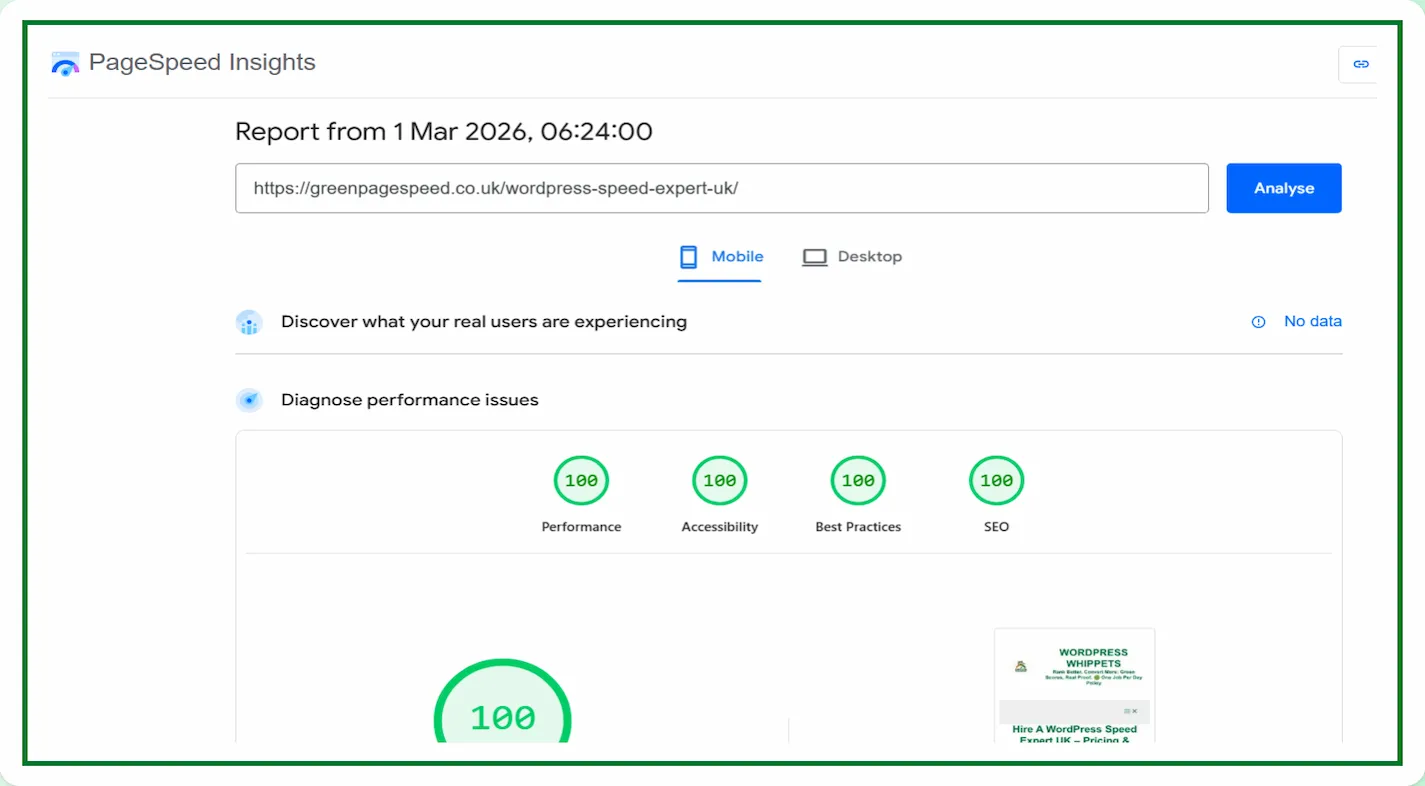
A low TBT score also helps achieve higher PageSpeed Insights scores.
Google rewards websites that load quickly and remain responsive throughout the process.
Improving this one metric can often push a site into the green zone for mobile performance.
Final Thoughts on Total Blocking Time
Total Blocking Time is one of the performance metrics to focus on if you want a fast, responsive website.
Reducing TBT improves the overall feel of your website and boosts user experience.
It helps you to have better SEO results.
When you optimise JavaScript, CSS, fonts, and third-party code.
Basically, you create a faster environment for your visitors, and Google then receives stronger signals that your site is technically reliable.